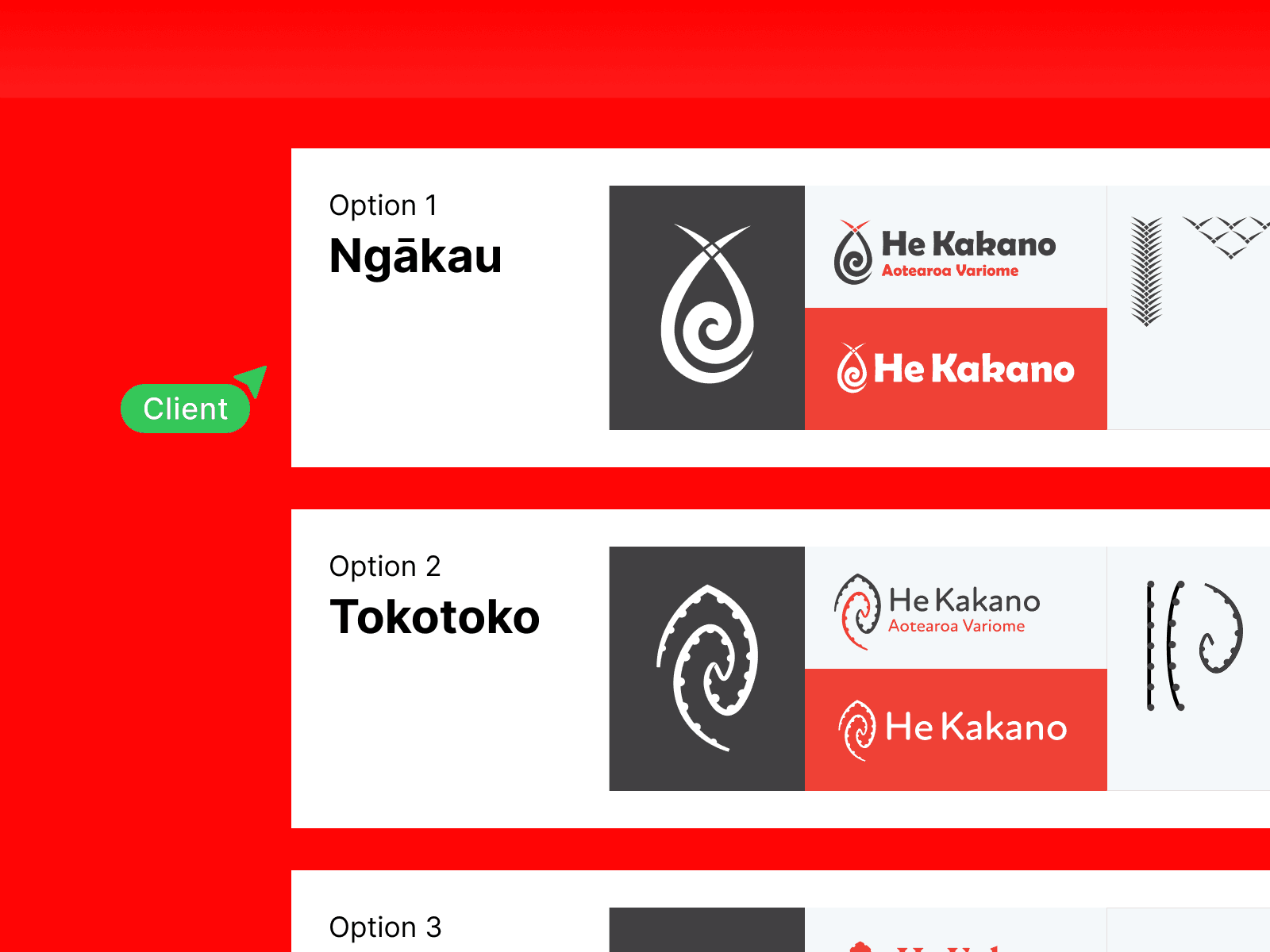
Choose The Right Website Platform
Digital
3 Mins
Not all website platforms are created equal. Pick the one that fits your goals, team, and workflow.

Webflow: Powerful but pricey
Webflow is incredibly flexible, capable of building custom websites with complex interactions and polished visuals. It’s ideal for projects that need precise control over layout, responsiveness, and dynamic content. The trade-off? It usually requires a developer or someone with technical expertise to unlock its full potential. For businesses with larger budgets or complex requirements, Webflow can deliver stunning results. But for smaller teams or simpler sites, the learning curve and cost can make it feel heavy. Consider it an investment if you want full control, advanced functionality, and scalability. Pros: Full control, scalable, advanced interactions, polished designs. Cons: Expensive, requires developer, steep learning curve.


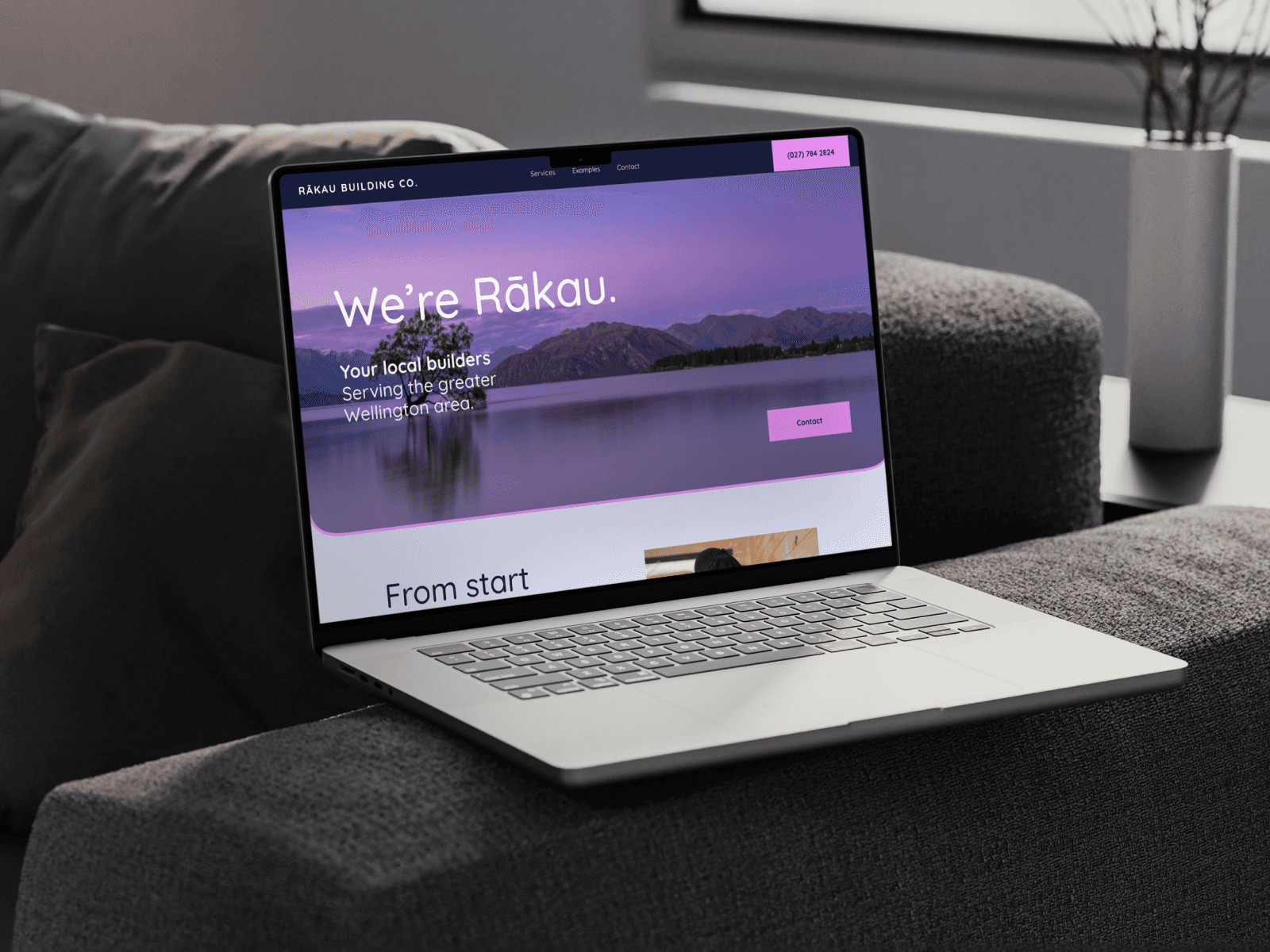
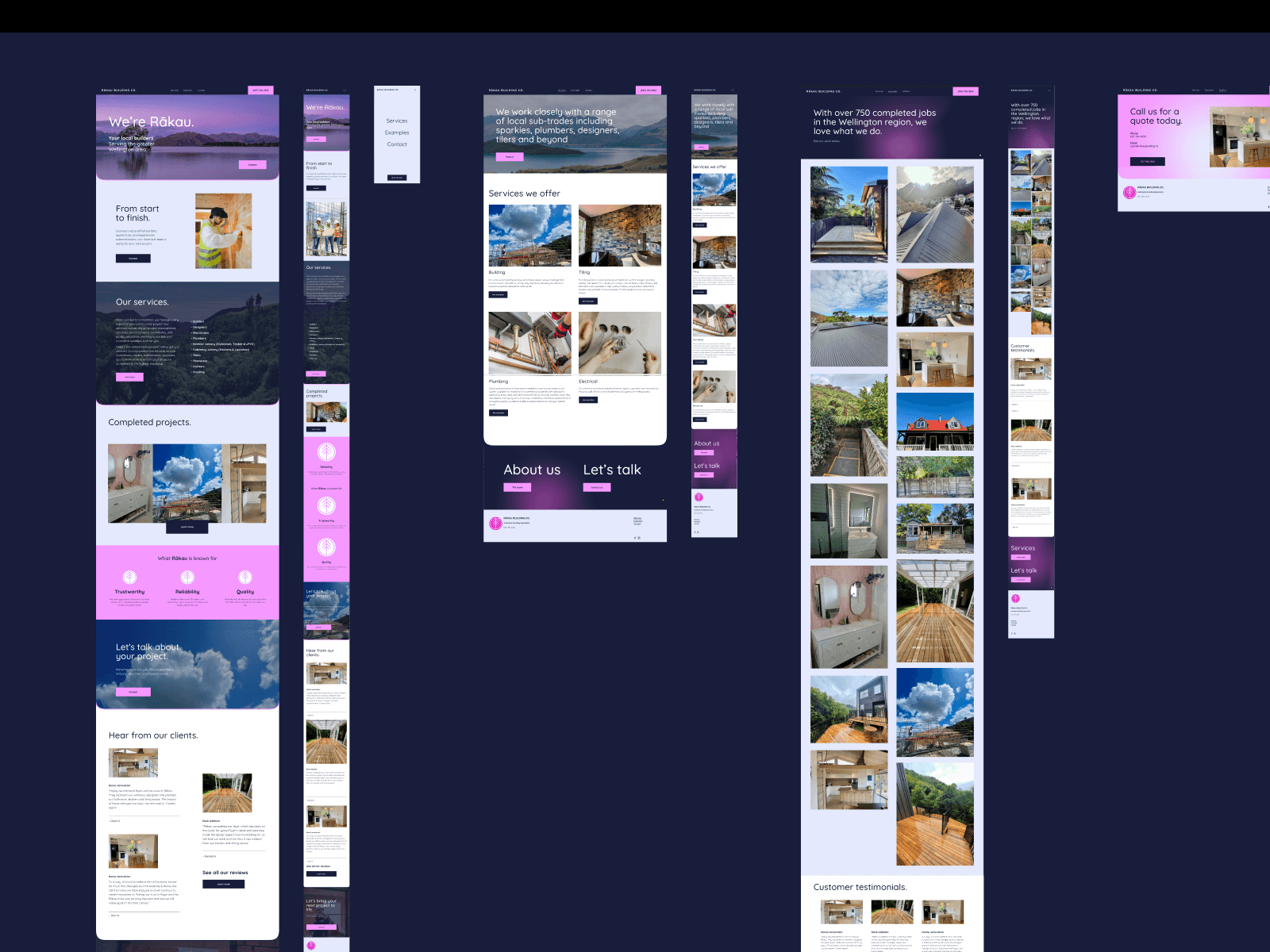
Framer: The Designer playground
Framer is built for designers who want freedom to experiment. You can craft animations, micro-interactions, and layouts without relying heavily on a developer. It’s perfect for rapid prototyping or creative web experiences that feel alive and interactive. Framer gives you the flexibility to push visual boundaries, test ideas quickly, and iterate efficiently. While it’s designer-friendly, there’s still a learning curve for more advanced functionality. Pros: Designer-friendly, interactive, fast prototyping, creative freedom. Cons: Limited advanced features, still learning curve, smaller community.

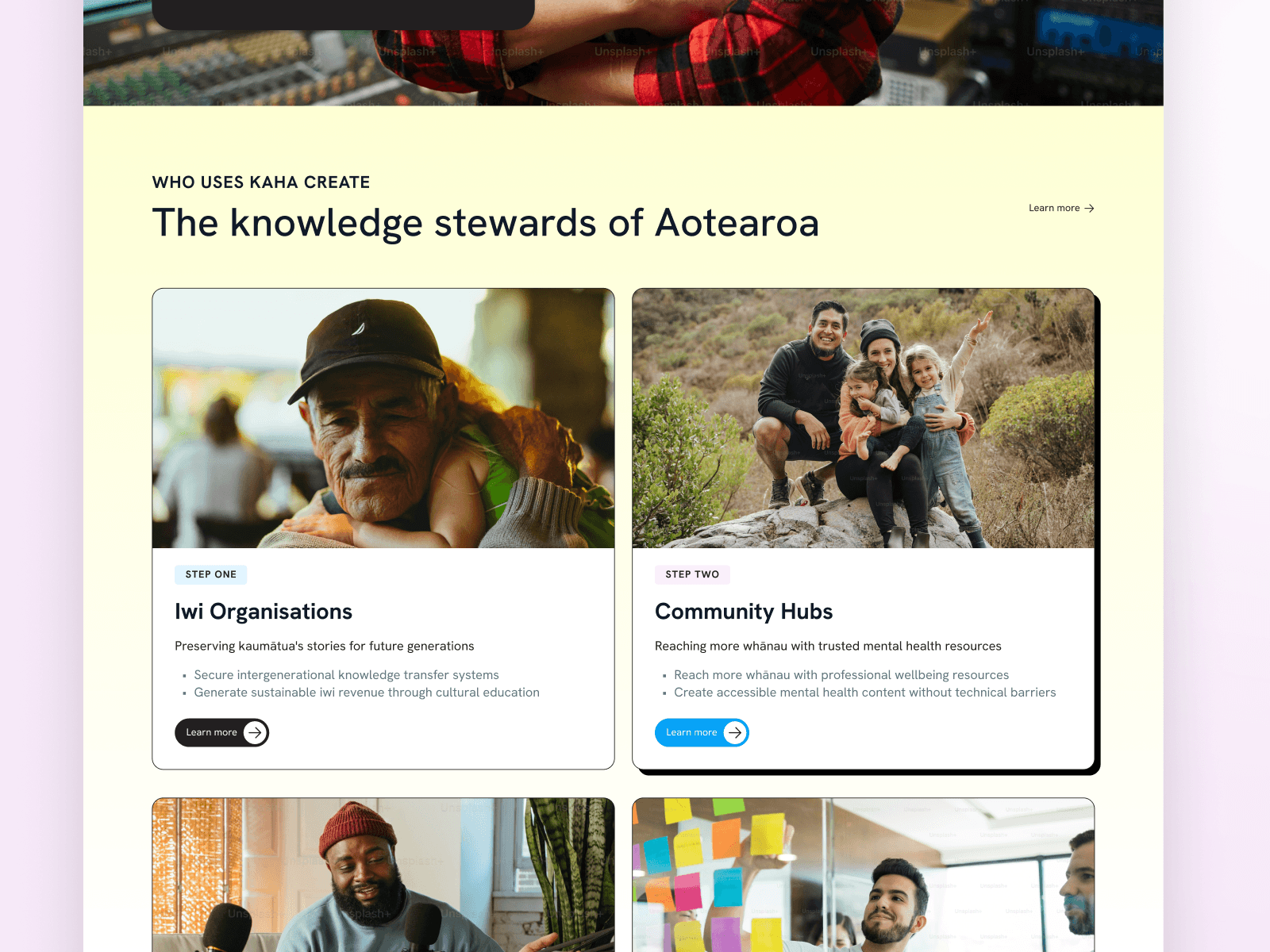


Squarespace: Easy client handover
Squarespace is intuitive, straightforward, and easy for clients to manage on their own. Templates, drag-and-drop editing, and built-in hosting mean quick launch times and low maintenance. It’s perfect for small businesses, portfolios, or simple websites that need to look professional without technical complexity. While it’s less flexible than Webflow or Framer, its simplicity is its strength — clients can update content, add pages, and maintain consistency without developer support. Squarespace works best when speed, ease of use, and client independence are priorities, giving small teams confidence and control without the overhead of complex systems. Pros: Easy client handover, quick setup, low maintenance. Cons: Limited flexibility, templates restrictive, less customisation options.